
The console the Firebase emulators should have had
Google’s Emulator UI has no page for your Functions, Pub/Sub, Cloud Tasks or Eventarc, only a log. Firenook’s console covers every service it runs, live, on the Emulator UI’s port.
npx firenook emulators:start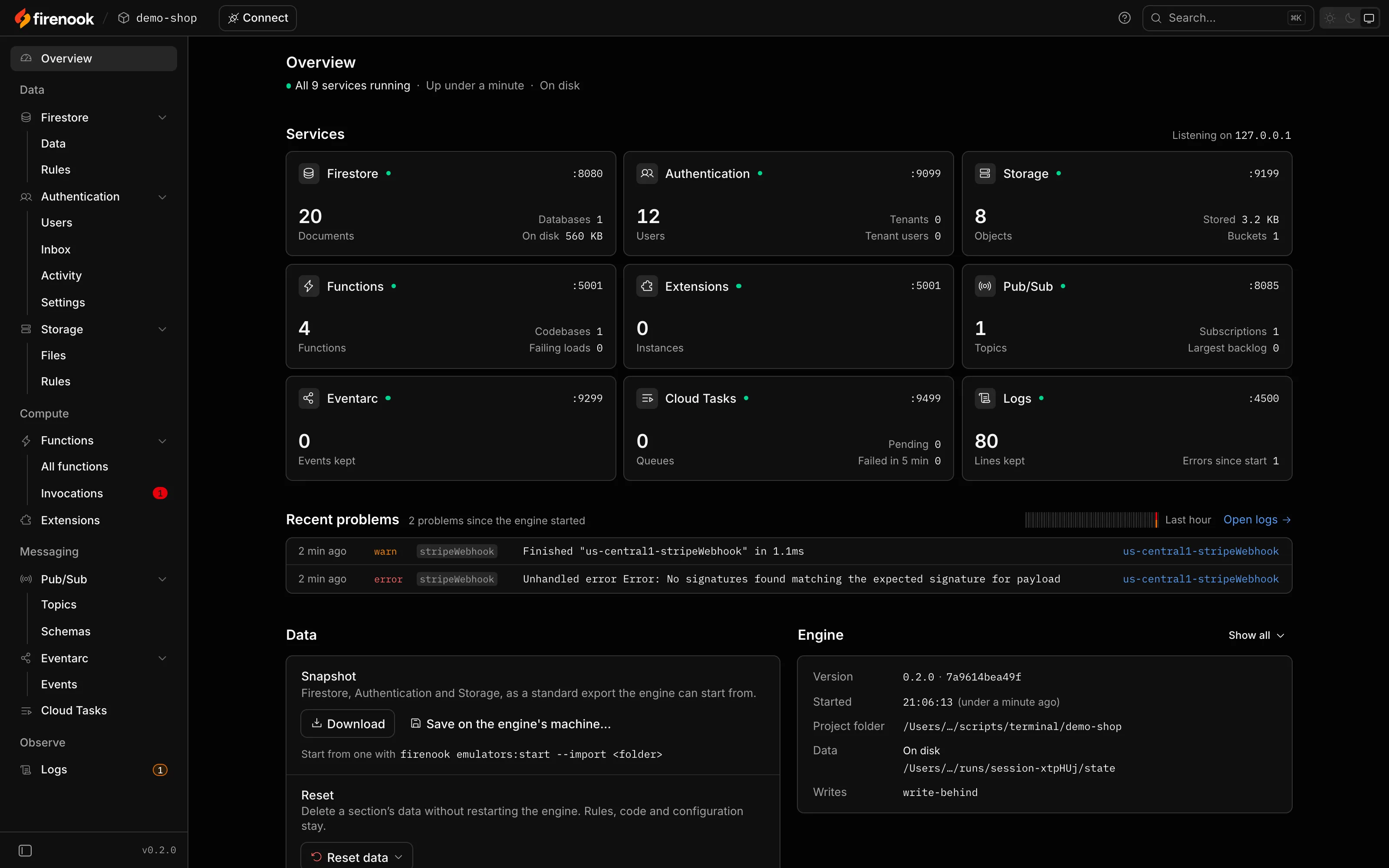
The Overview: every service’s health, its counts and its port, the problems since the start, and the engine. Every picture on this page is the console on the demo project, on 0.2.0.
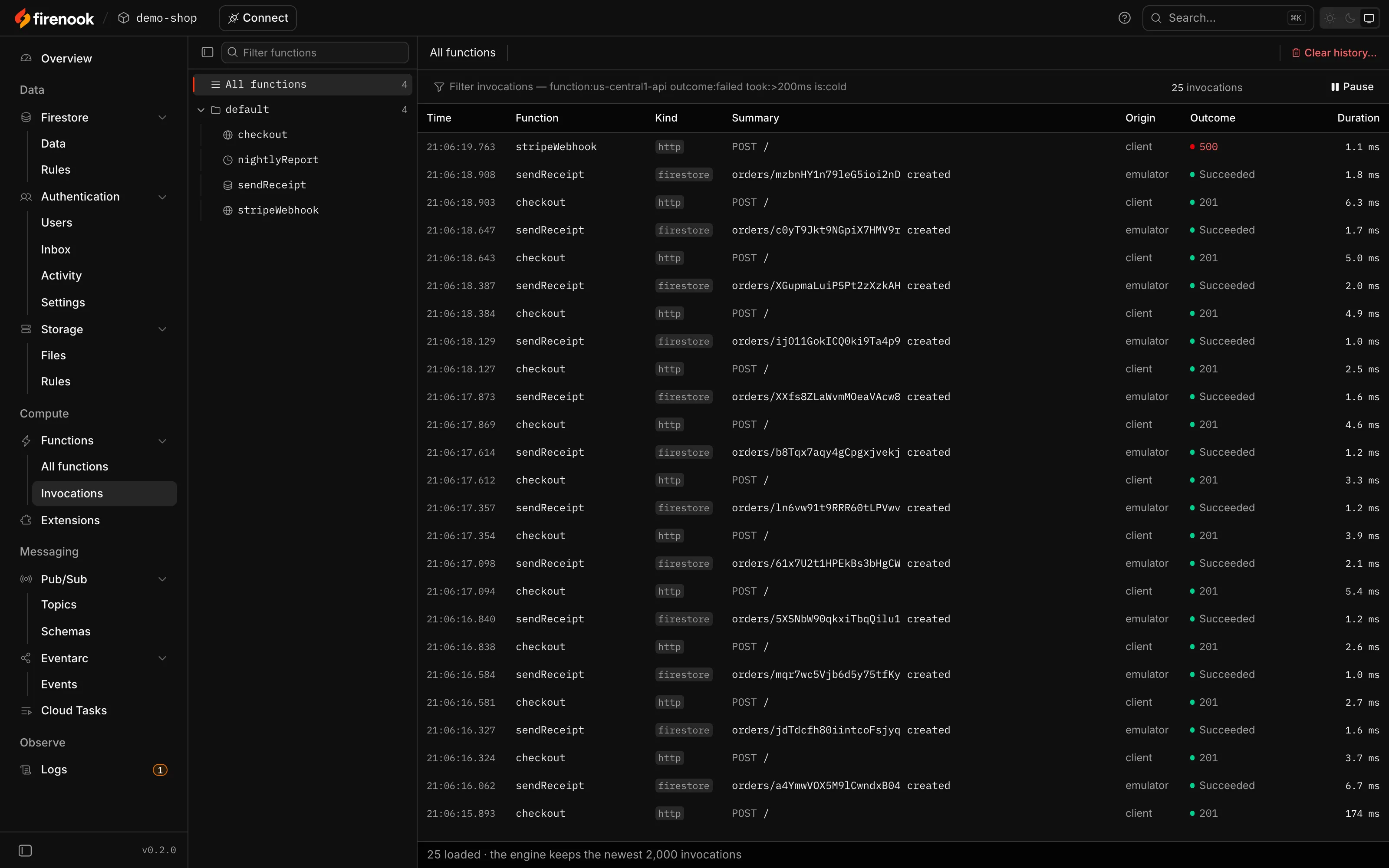
Every function call, kept
Each call with what triggered it, its request or event, its answer, its duration and the lines it logged. Open a failed one to read its error and stack, then run it again after your fix.
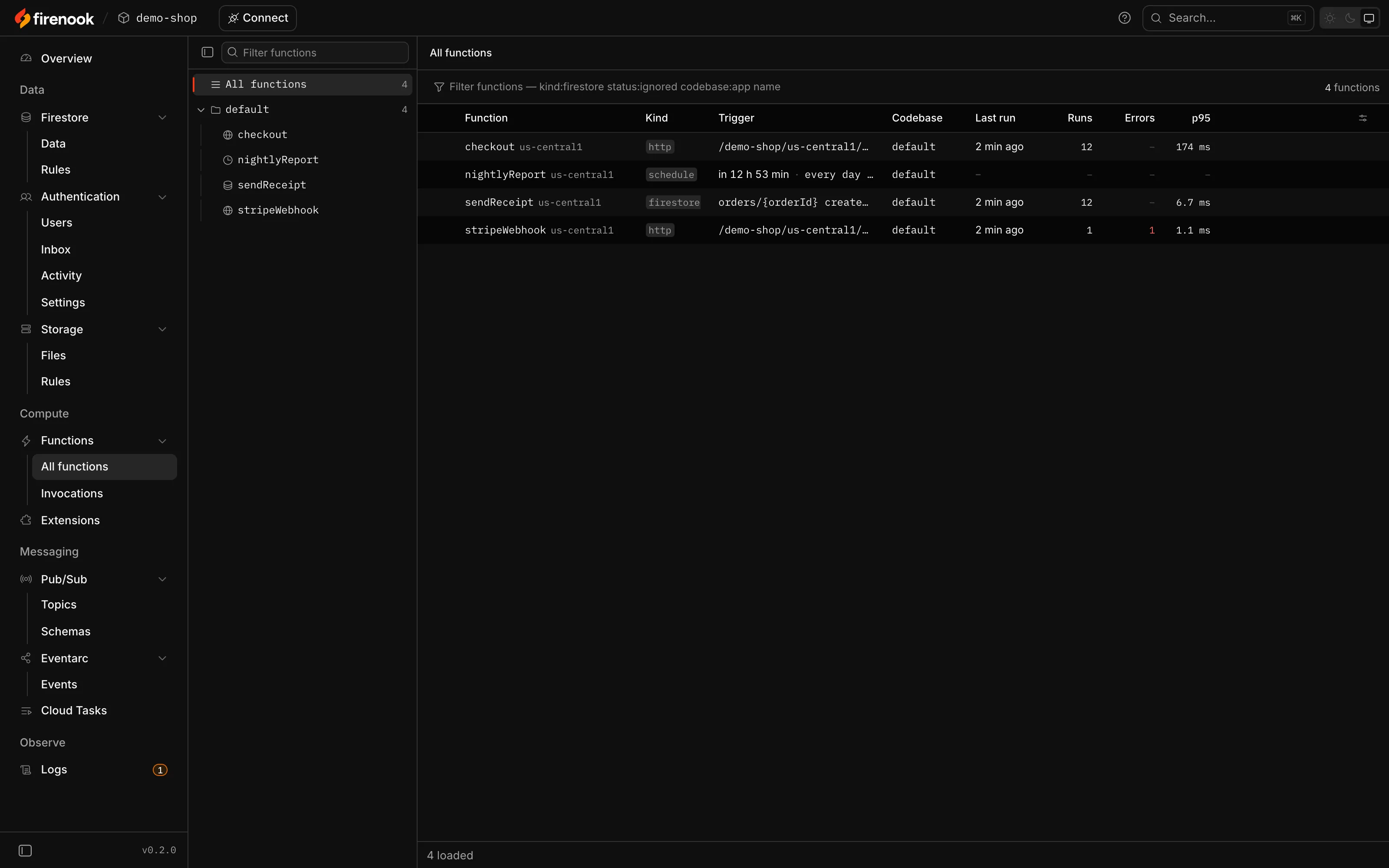
Your functions at a glance
Every function with its trigger, its codebase, when it last ran, how often, how often it failed and how long it takes. Scheduled ones show their next run.
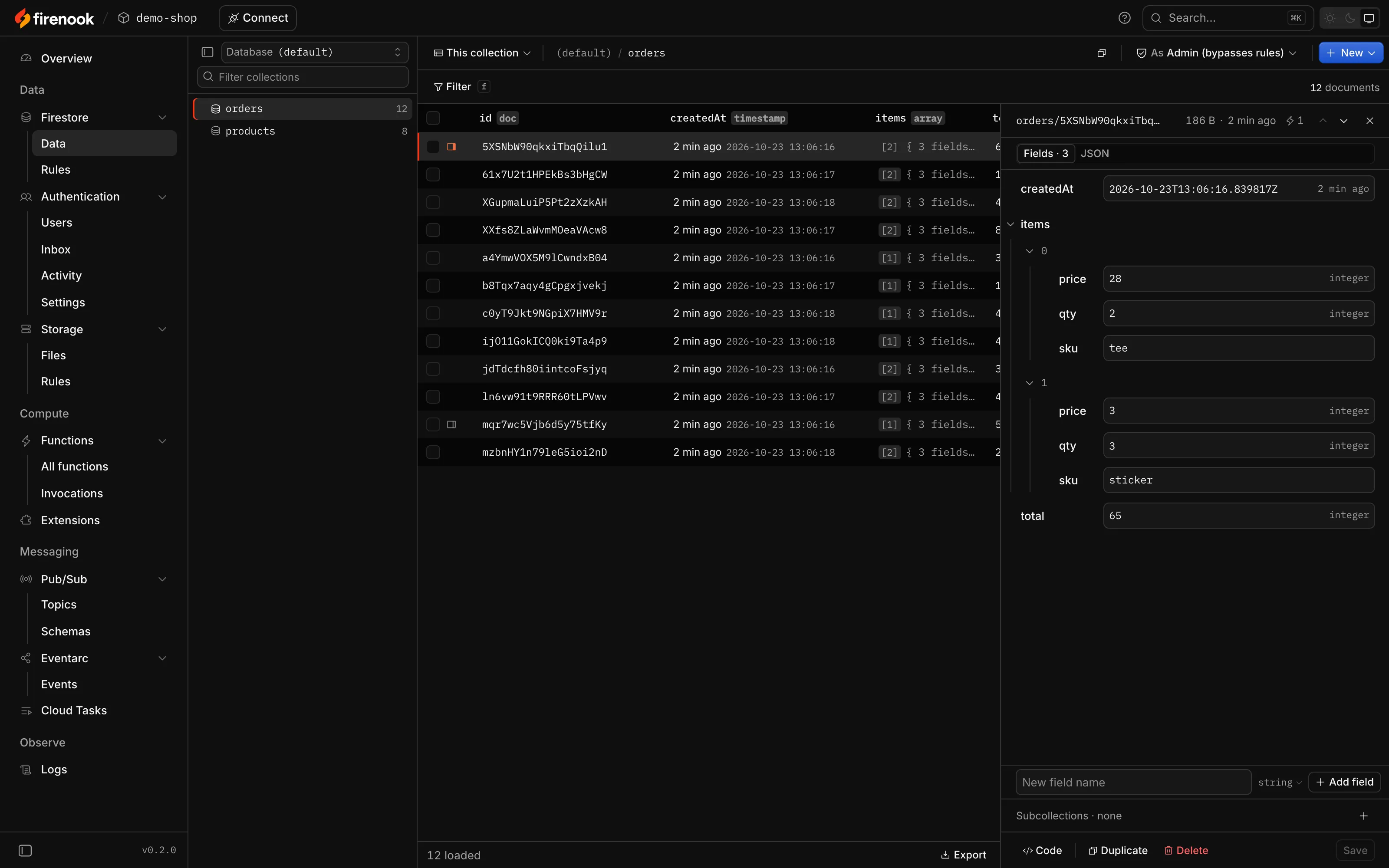
Firestore, browsable and editable
Collections at once, even on a store of millions of documents, documents as fields or as code, and edits that save only when you say so.
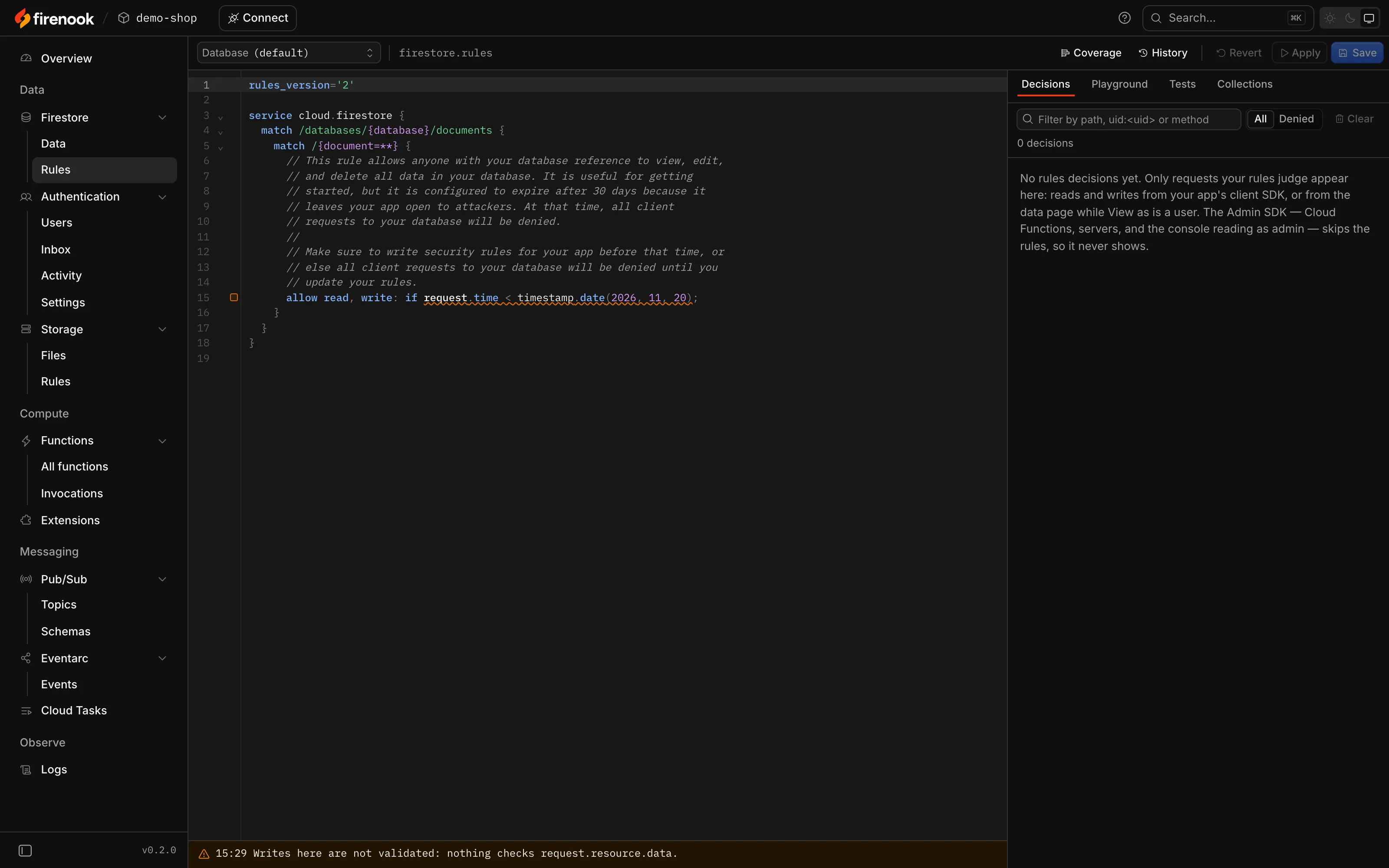
Rules you can watch decide
The rules in force beside every decision they made, with the line that decided it. Try a request in the playground, run tests, and see which lines your app has covered.
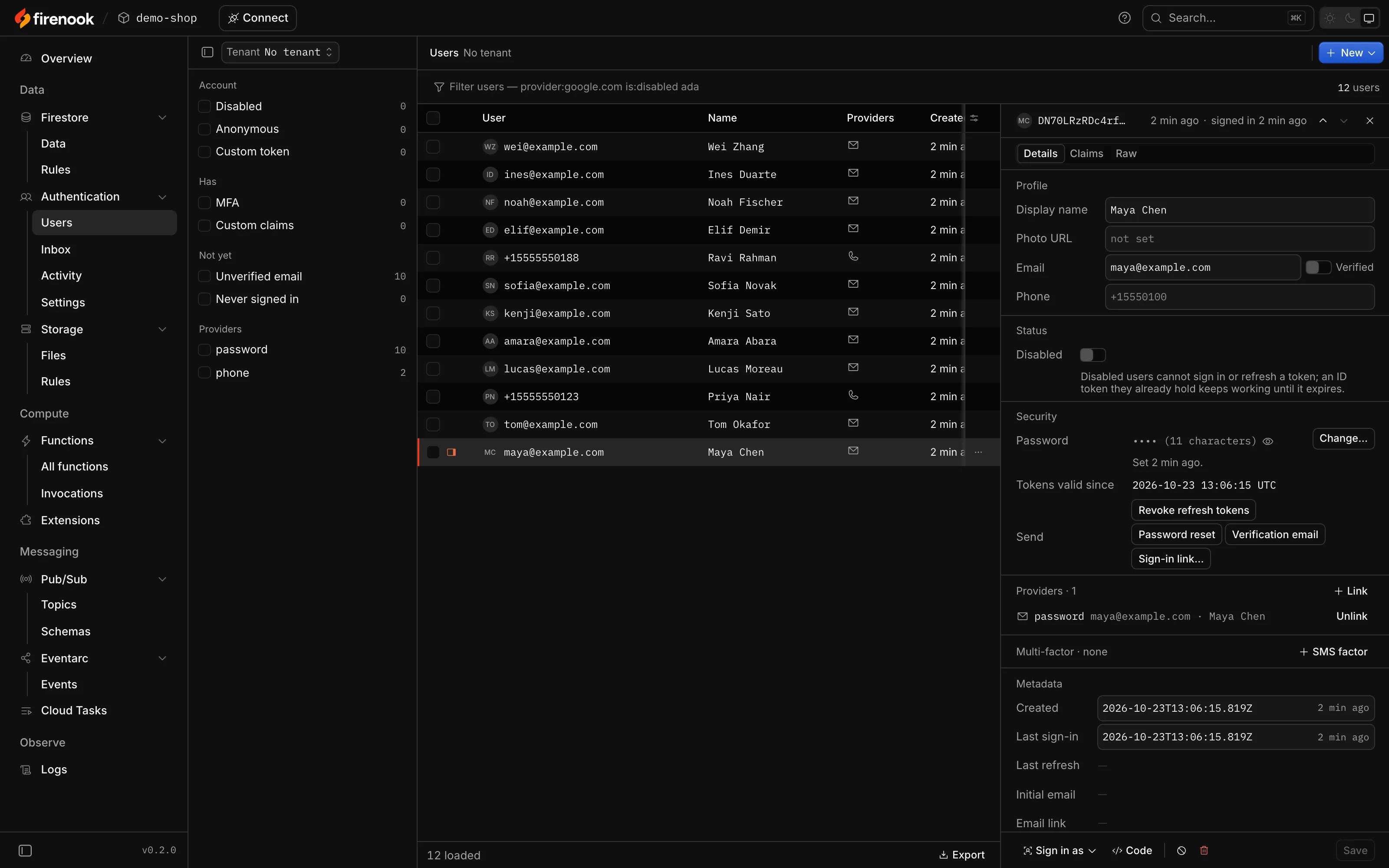
Users, and what Auth would have sent
Users with their providers, claims and activity. The verification emails, sign-in links and SMS codes Auth would have sent wait in an inbox.
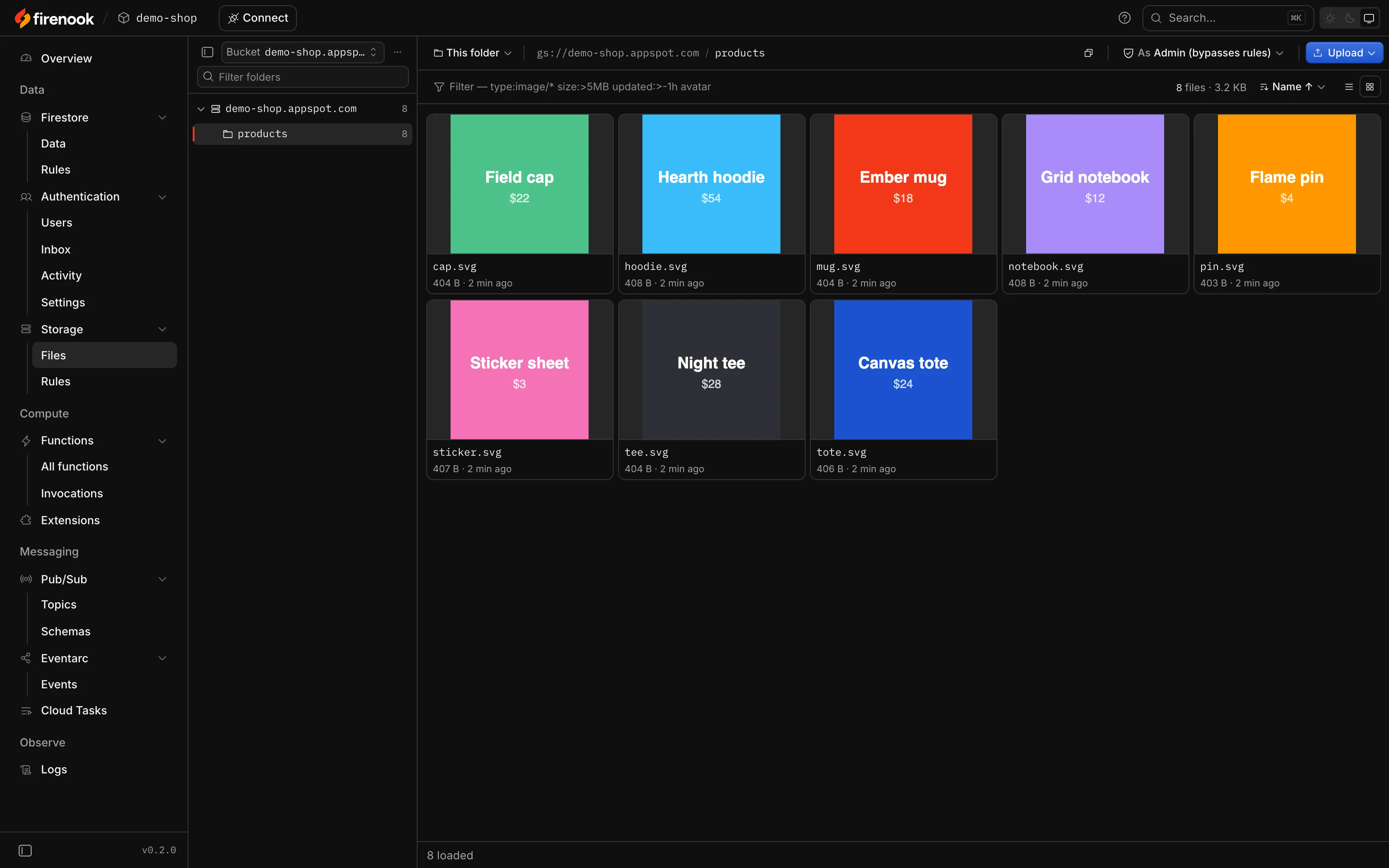
Files, shown as files
Browse buckets as folders or as a grid of pictures, upload and move files, and read the rules that guard them.
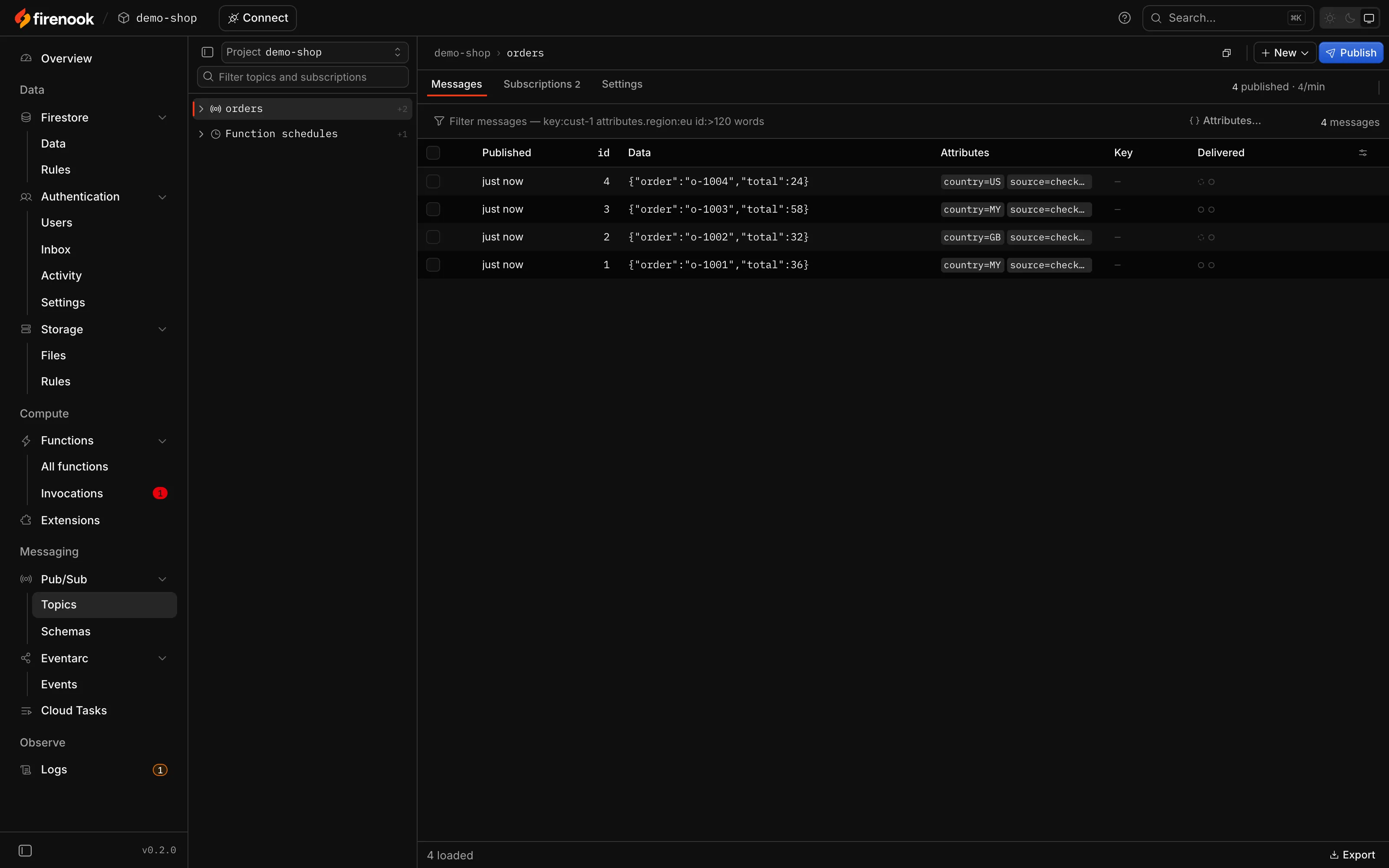
Messages you can see
Each topic’s messages with their attributes, its subscriptions and their backlog, publishing by hand, and your schedules, which you can pause or run now.
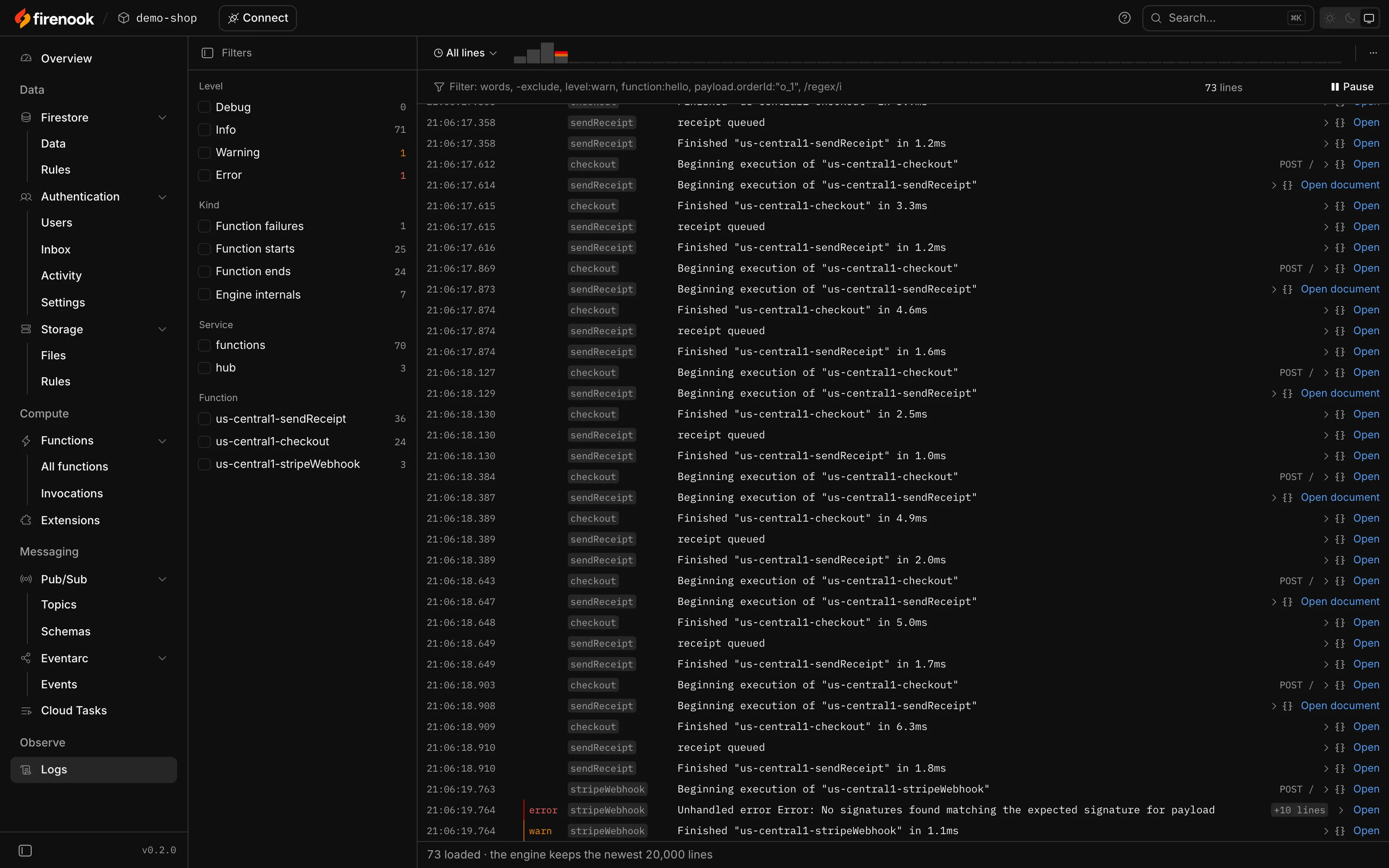
One log for everything
Every emulator and every function in one stream, filtered by level, kind, service or function, each line linked to the call that printed it.
And the rest
The console covers every service the suite runs, so nothing you start is out of sight.
Cloud Tasks
Queues with their tasks; pause, resume and purge a queue, run or delete a task.
Eventarc
Every event with what each function did with it, and publishing or replaying one.
Extensions
Each instance with its state and functions, and its parameters, reloaded when they change.
Connect
The code to connect your app, for the web, Flutter, Android, Apple platforms and servers, and your coding agent.
Snapshots and resets
Download Firestore, Auth and Storage as an export, or empty one service without a restart.
Light, dark and offline
It follows your system’s theme, needs no network, and the Emulator UI’s old addresses lead to it.
Questions
The rest is in the console guide. Something else? Ask on GitHub.
Where is the console?
At /console on the Emulator UI’s port: http://127.0.0.1:4000/console by default, or the port emulators.ui.port gives in firebase.json. Press o in Firenook’s terminal to open it.
What happened to Google’s Emulator UI?
Firenook doesn’t serve it. The console covers every feature it had, and its addresses, such as /firestore or /auth, lead to the console’s page for the same thing.
Can I open it through a proxy or another host name?
Any name under localhost works, such as my-app.localhost behind a local proxy. Other names need --allowed-hosts, so a page on another site can’t reach your emulators through a name it controls.
Does it change my data when I look?
No. Reading never writes. Edits are staged until you save them, and the console asks before it deletes or resets anything.
Open it on your project
Start Firenook in your project and press o. The console opens on the Overview, live, with nothing to install.
npm install --save-dev firenook